
Preparing a road trip with a caravan to the south, estimating fuel and toll budgets before leaving, finding a charging station on a long journey in an electric vehicle: these are situations where a simple GPS is no longer sufficient. ViaMichelin meets these needs by combining route calculation, financial estimation, and detailed mapping on a single interface.
The tool covers several million kilometers of European roads. But its true strength lies in the granularity of the parameters that can be adjusted before launching a calculation, far beyond the classic “departure / arrival”.
Vehicle Settings on ViaMichelin: The Detail That Changes the Budget
Most route calculators offer the option to choose between car, motorcycle, bicycle, or pedestrian. ViaMichelin goes further by allowing users to specify the make, model, year, and engine type of the vehicle. This level of detail directly modifies the estimated fuel cost displayed at the end of the calculation.
For those towing a caravan, the tool adjusts travel times and estimated consumption. It is known that the extra fuel consumption associated with a caravan varies greatly depending on the size and the road taken. Specifying the type of hitch avoids unpleasant surprises at the pump.
For electric vehicles, the mapping displays charging stations along the route. For a journey of several hundred kilometers, this feature allows users to check in advance that there are enough charging points on the chosen road, without relying on a third-party application. Understanding how ViaMichelin works on this specific point helps anticipate charging stops rather than having to deal with them unexpectedly.
Offline Mode and GPS Navigation: Two Distinct Uses of ViaMichelin
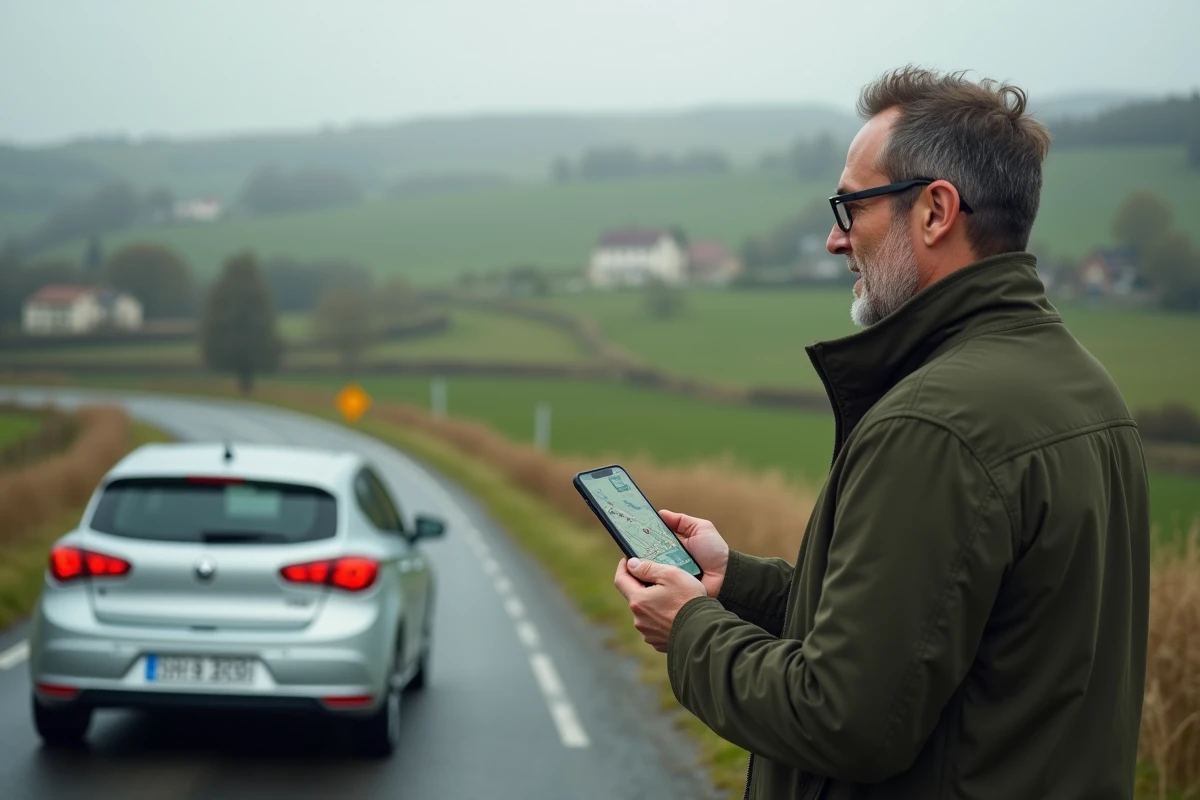
A point rarely clarified in practical guides concerns the difference between planning and real-time navigation. ViaMichelin allows users to search for and plan a route without an internet connection. One can consult the results of a previously performed calculation, check the steps, and review the details of the route.
GPS navigation with real-time traffic information, on the other hand, requires an active connection, at least to download map data and traffic conditions. In practice, if preparing a road trip in an area with limited network coverage (mountains, isolated countryside), it is better to finalize the planning before losing signal.
Feedback varies on the reliability of offline mode depending on devices and application versions. Caution recommends always keeping a screenshot or an export of the route as a backup.
What Real-Time Traffic Really Changes
When the connection is available, the application integrates traffic data to dynamically recalculate travel time. On a route like Paris-Lyon or Bordeaux-Toulouse, a traffic jam of a few kilometers can add an hour to the journey. Real-time traffic information allows ViaMichelin to propose an alternative route, with the impact on duration and cost (different tolls, modified consumption).
ViaMichelin Route: Calculating the Total Cost of a Journey
The cost calculation is one of the most concrete contributions of the platform. Where Google Maps displays a duration and a distance, ViaMichelin details the total cost of the journey: fuel, tolls, and even the cost per kilometer if the vehicle is properly configured.
This function serves in several practical contexts:
- Comparing the actual cost of two routes (highway vs national road) before choosing, taking into account both additional fuel and saved tolls
- Preparing a reimbursement for mileage expenses for a business trip, with details usable by an accounting department
- Estimating the transport budget for a multi-day trip with stops, by summing the segments
Professional use (reimbursement of travel expenses, management of a small fleet) remains underutilized. For a freelancer or a small business, detailed mileage estimation effectively replaces a homemade spreadsheet.
Experiential Route: When ViaMichelin Integrates the Michelin Guide
Since the platform’s redesign, ViaMichelin is no longer limited to utility calculations. The tool now offers to enrich a route with suggestions from the Michelin Guide: restaurants, tourist sites, rated accommodations.
In practice, this means that on a Lyon-Nice journey, one can spot a starred restaurant halfway or a detour to a remarkable site without leaving the planning interface. The route becomes a means of discovery, not just a distance calculation.
This “experiential” dimension works especially well for leisure trips with some time flexibility. For a commute or a constrained business trip, one will stick to pure calculation mode.
Saving Favorite Routes
With a ViaMichelin account, users can save routes as favorites. The saving retains road preferences (avoid tolls, avoid low emission zones, do not leave the territory), duration, distance, and total cost. For a recurring journey, this avoids reconfiguring the parameters with each use.

The main interest of ViaMichelin lies in this combination of vehicle parameter precision, cost transparency, and integration of Michelin recommendations. For a one-time trip, any GPS will do. To plan a journey where budget, vehicle type, or stops matter, the platform provides a layer of information that its direct competitors do not gather in the same place.