A co-owner moves, changes their phone number or email address, updates their contact details on MyFoncia, and yet continues to receive general meeting notices at their old postal address. This is a common situation that can lead to delays, missed votes and, sometimes, challenges to decisions made at the meeting.
Updating your information in the Foncia customer portal is not always enough to ensure the change is reflected everywhere: the co-ownership platform and the property manager’s records are not synchronized in the same way for every type of contact detail.
MyFoncia contact details and the property manager’s records: two separate systems
Most co-owners assume that updating their profile on MyFoncia is the same as notifying their property manager. In practice, the customer portal handles digital notifications (alerts, access to documents, e-Reco), while the property manager maintains a separate administrative file for postal mail, general meeting notices and service charge calls.
When you change your postal address or phone number on MyFoncia, the update is not automatically reflected in the property manager’s records. You must also notify the property manager, either by sending a message through the customer portal or by post, so that the co-ownership records can be corrected. Without taking both steps, official documents will continue to be sent to your old address.
A detailed guide explains how to change your MyFoncia contact details from the profile section of the co-owner portal, but this only addresses the digital side of the issue.
Changing your address and contact details on MyFoncia: practical steps
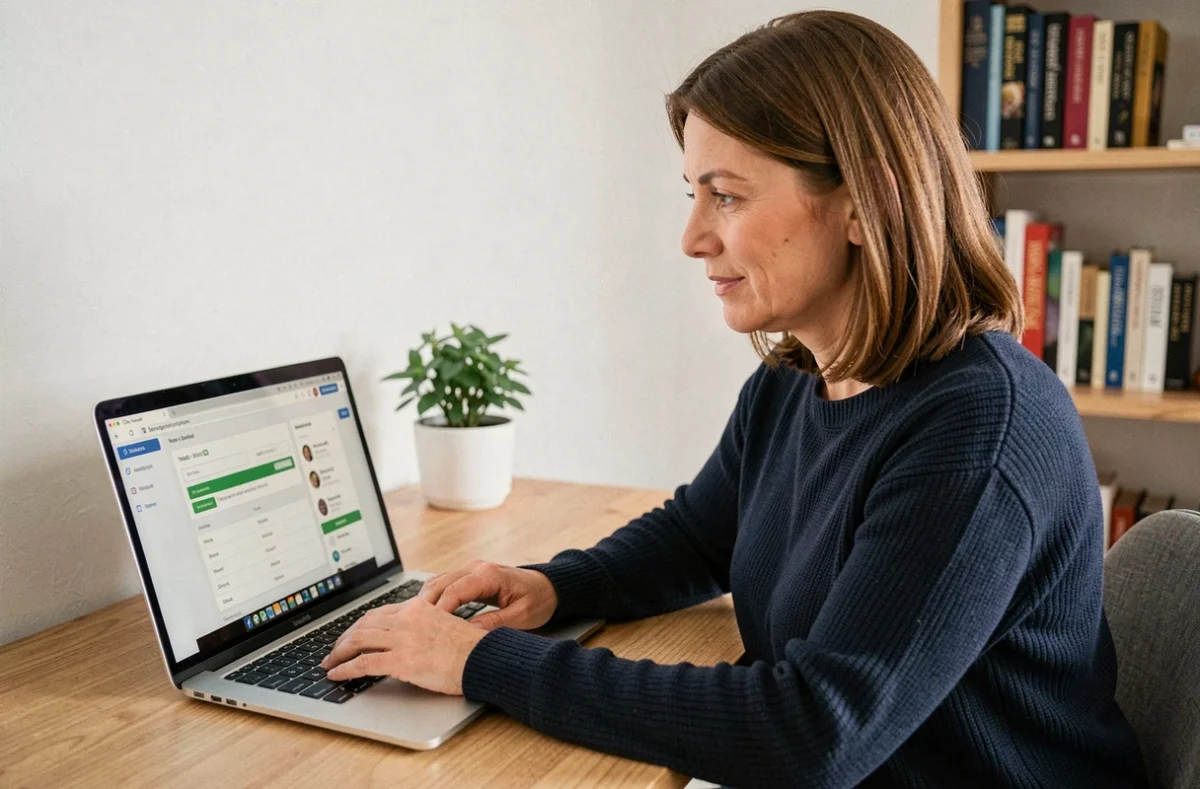
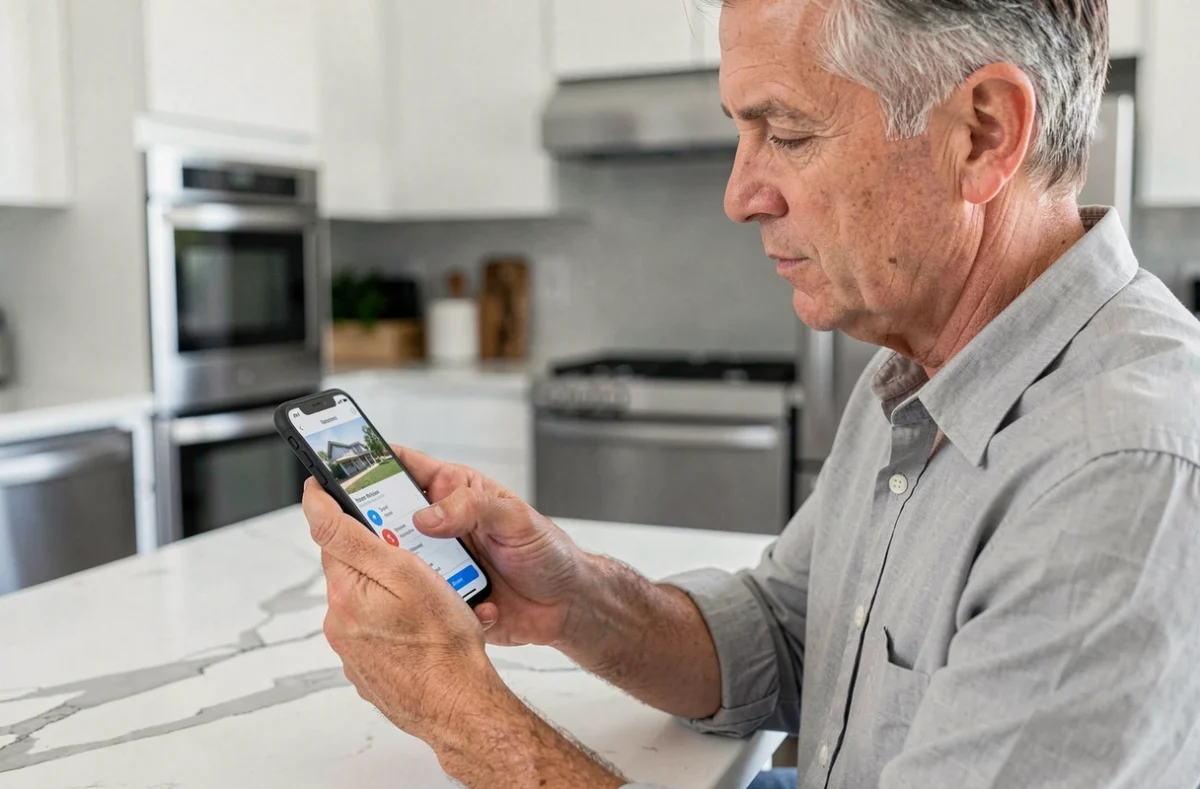
In the co-owner portal, you can make changes in the “My profile” or “My personal information” section, accessible after signing in at myfoncia.fr or through the mobile app.
Details you can update directly online
- Your contact email address, which becomes your login ID after you first activate your account. You’ll need to confirm the change by email before it takes effect.
- Your mobile phone number, used for notifications and, potentially, two-factor authentication when you sign in.
- The postal address shown in your profile, which is used for digital communications but not necessarily for mail from the property manager.
The process takes just a few minutes. Edit the field, save your changes, then confirm by email if prompted. Each change takes effect immediately in the customer portal.
Bank details and account information
If you pay your service charges by direct debit, changing your bank details usually requires contacting the property manager. MyFoncia lets you submit new bank details through the built-in messaging system or the documents section, but the property manager must approve the change before it can be used for upcoming service charge calls.
Processing times vary depending on the Foncia branch and where you are in the billing cycle. It’s best to submit your new details at least a month before the next service charge call to avoid a rejected direct debit.
General meeting notices sent to your old address: how to fix the problem
This is the most problematic scenario: a co-owner has updated their MyFoncia profile, but the notice for the next general meeting arrives at their old home. There are several reasons for this discrepancy.
The property manager’s co-ownership records have not been updated. As explained above, changes made in the customer portal are not carried over to the administrative file used for registered mail. The property manager must receive an explicit request to change the address.
The most reliable approach is to send a message through the “My requests” section of MyFoncia, providing your full new postal address, and keep a record of the exchange. If the validity of a meeting notice is disputed, proof that you notified the property manager can help protect your rights as a co-owner.
If the meeting has already taken place and the notice was sent to the wrong address, the co-owner can challenge the resolutions passed, provided they can show that they notified the property manager of their change of address within a reasonable timeframe.
E-Reco and digital notifications
Foncia offers e-Reco, a service that replaces postal delivery of meeting notices with electronic registered mail. Co-owners who activate the service on MyFoncia receive their notices by email, avoiding the problem of mail being sent to the wrong address.
You can activate the service from the customer portal, in the documents section or under communication preferences. Once e-Reco is enabled, the email address in your MyFoncia profile becomes the official address for receiving meeting notices. That’s why it’s important to keep it up to date.
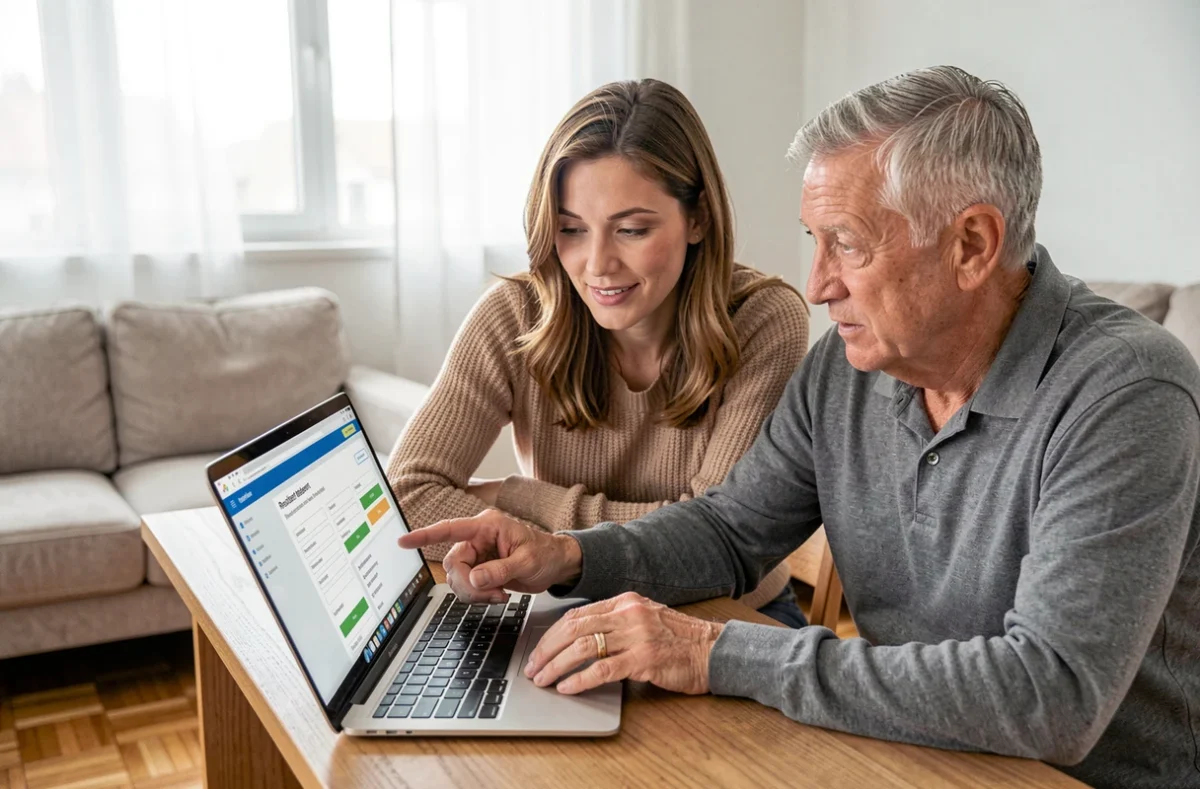
What to check after changing your contact details
Updating your contact details involves more than filling out a form. There are several things to check in the weeks that follow.
- Sign in to MyFoncia and make sure your profile displays the new information, including after signing out and back in.
- Send a message to the property manager through “My requests” to confirm that the co-ownership records have also been updated.
- Check that your next service charge call or notification arrives at the correct postal or digital address, depending on your chosen communication method.
- If e-Reco is enabled, make sure the associated email address matches your updated profile, not your old one.
Co-owners with several units managed by the same Foncia branch should take particular care. Each unit may have a separate file in the property manager’s system, and updating one file does not necessarily update the others. You might update your contact details for one apartment and still receive documents for a second unit at your old address.
Checking each unit individually is the safest approach. A call or message to the property manager can confirm that all your records are up to date.